Eigen Job Tracker
Master Your Job Search. Automate the Grind.An Apps Script-powered job application tracker designed to organize your job search, automate follow-ups, and to compare job offers.
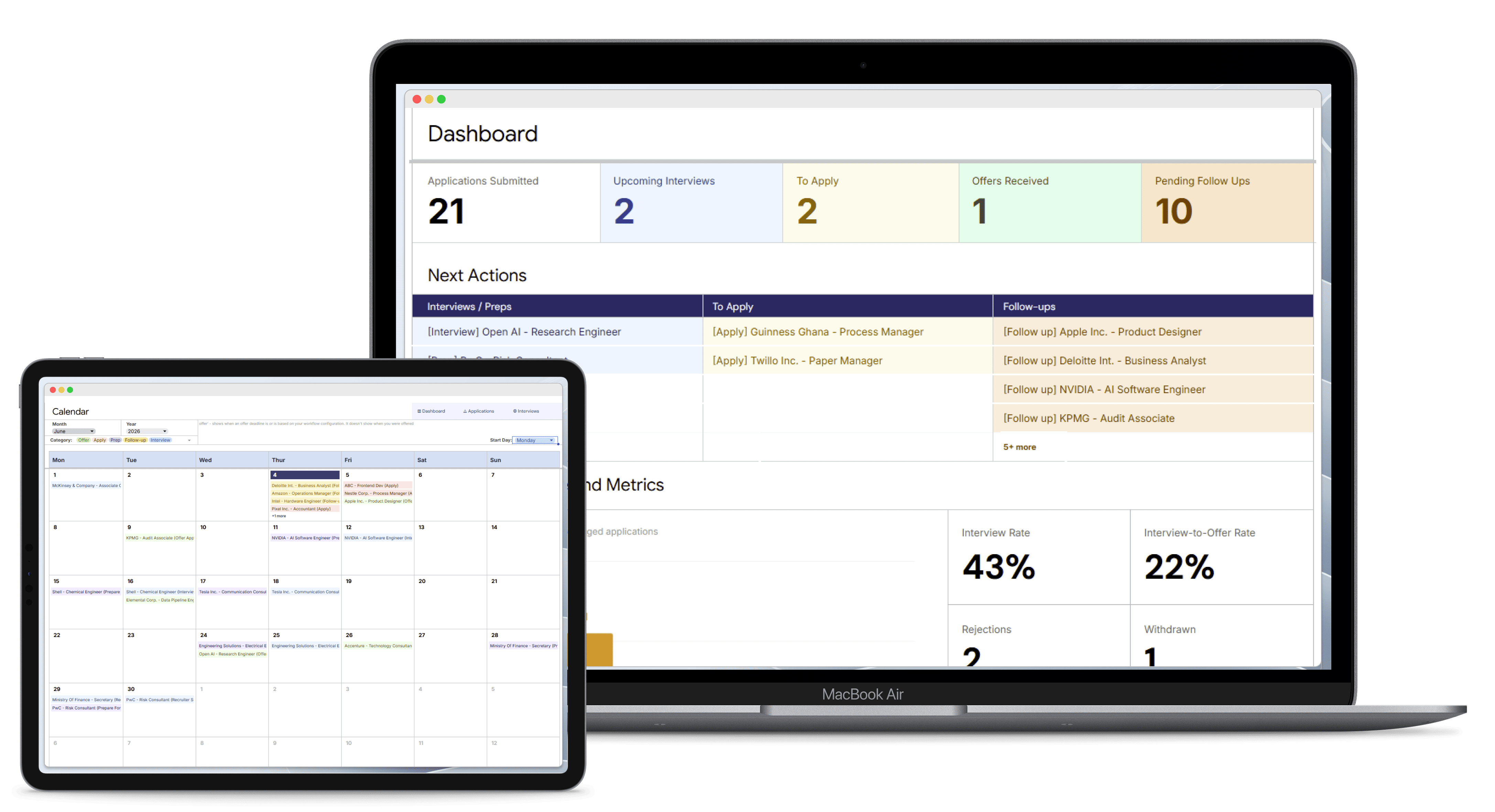
Features It Offers
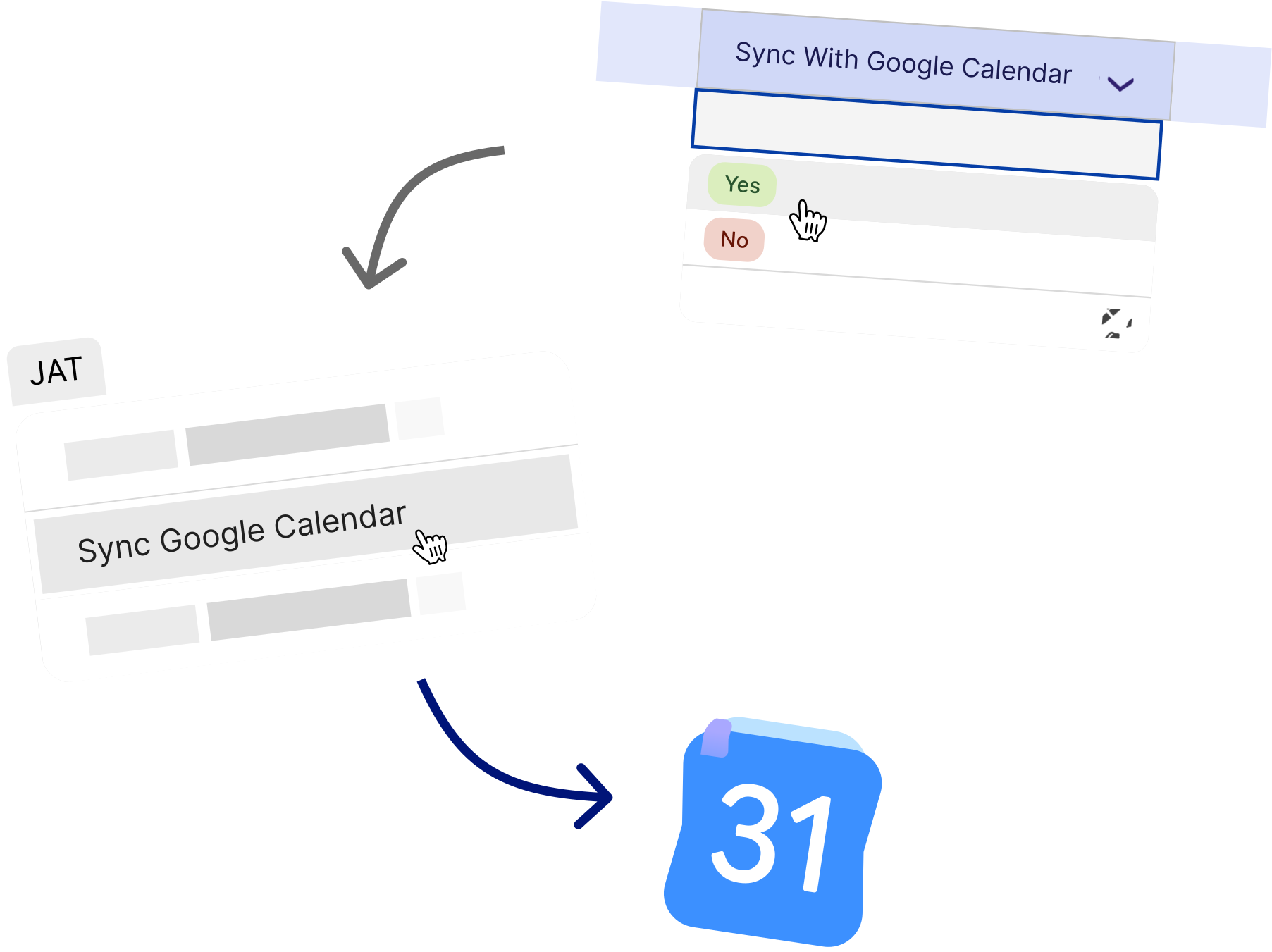
Google Calendar Interview Sync
Automatically sync interviews and recruiter screening with your personal Google Calendar so you never miss a meeting, deadline, or opportunity.
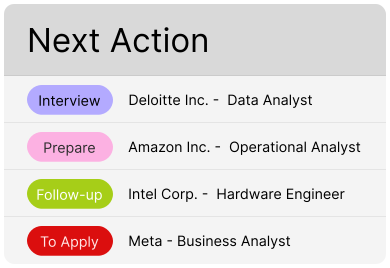
Smart Next Actions
Know exactly what to do next for every application with actionable recommendations that keep your job search moving forward.
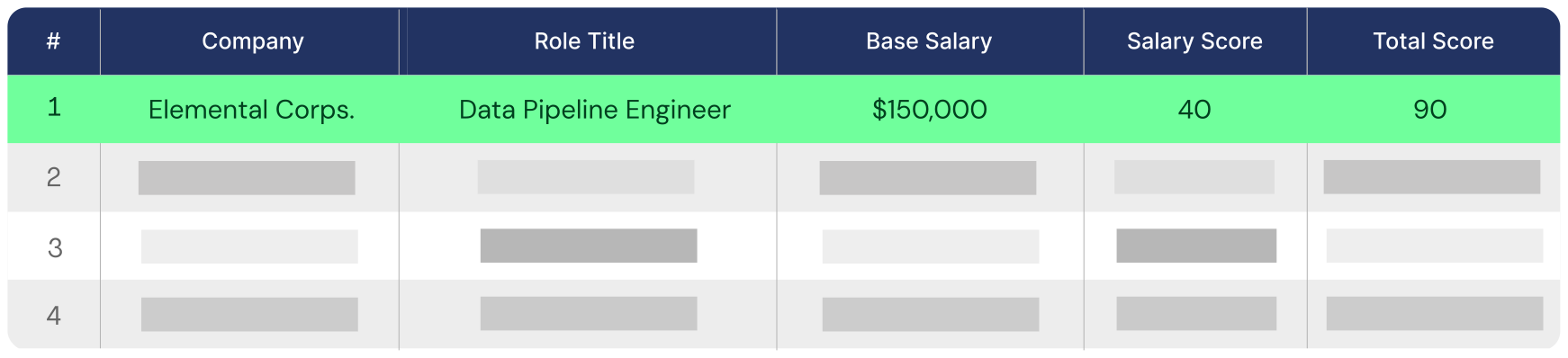
Side-by-Side Offer Comparison
Evaluate competing job offers systematically. Map out base compensation, bonuses, remote flexibility, health benefits, and personal priorities side-by-side to negotiate confidently and make data-driven career choices.
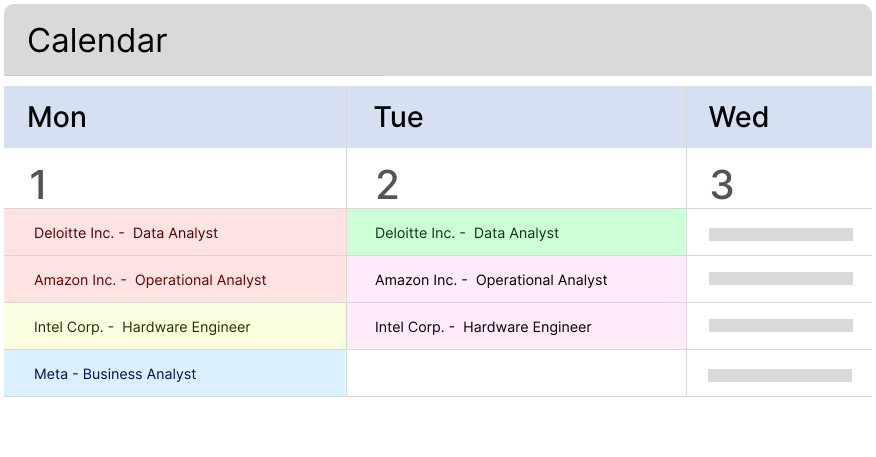
Centralized Calendar Overview
See your entire month at a single glance. View all your upcoming interviews and preparations, follow-ups, and offer deadlines mapped out on a comprehensive, unified calendar layout designed to help you plan your week with complete clarity.
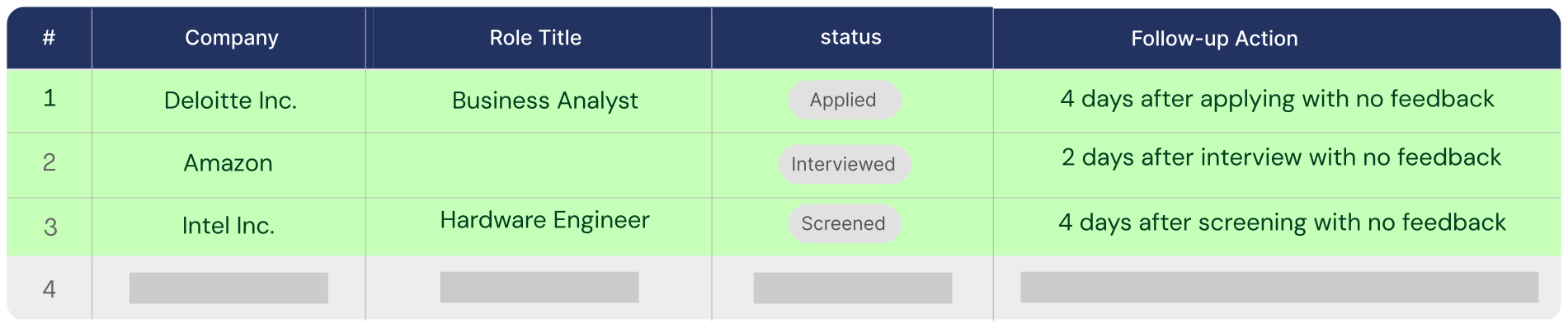
Timely Follow-Up Sugestions
Stay on top of recruiter communications with timely follow-up reminders designed to help you maintain momentum throughout the hiring process.
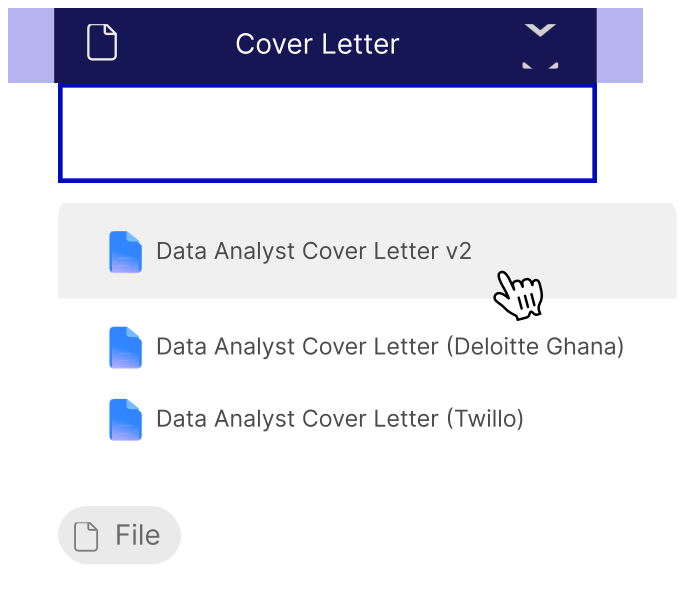
Tailored Document Tracking
Never mix up your application materials again. Keep an organized record of the exact resume version, custom cover letter, and portfolio submitted to each application.
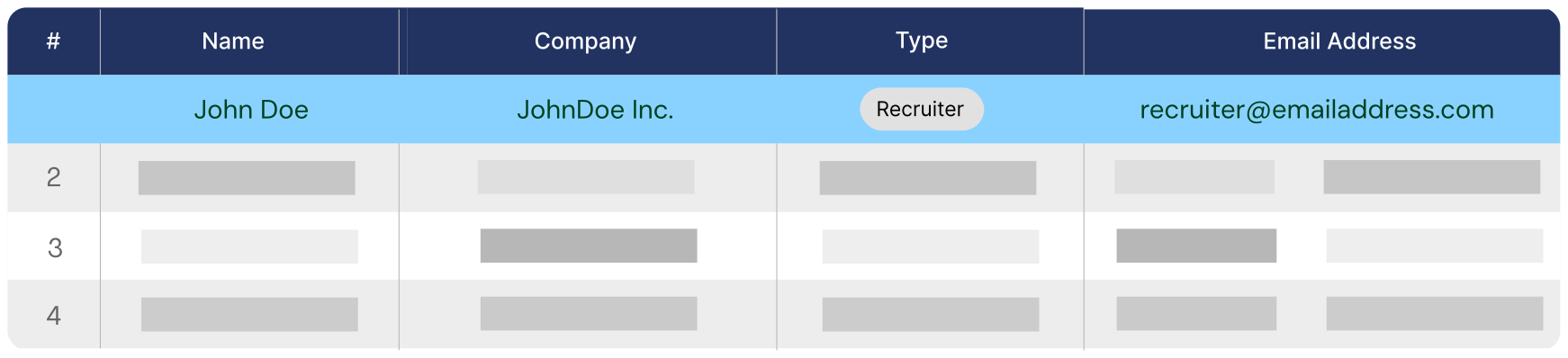
Recruiter / Hiring Manager Log
Build an organized networking CRM directly inside your tracker. Store names, emails, LinkedIn profiles, and contextual notes for every recruiter, hiring manager, and referral contact.
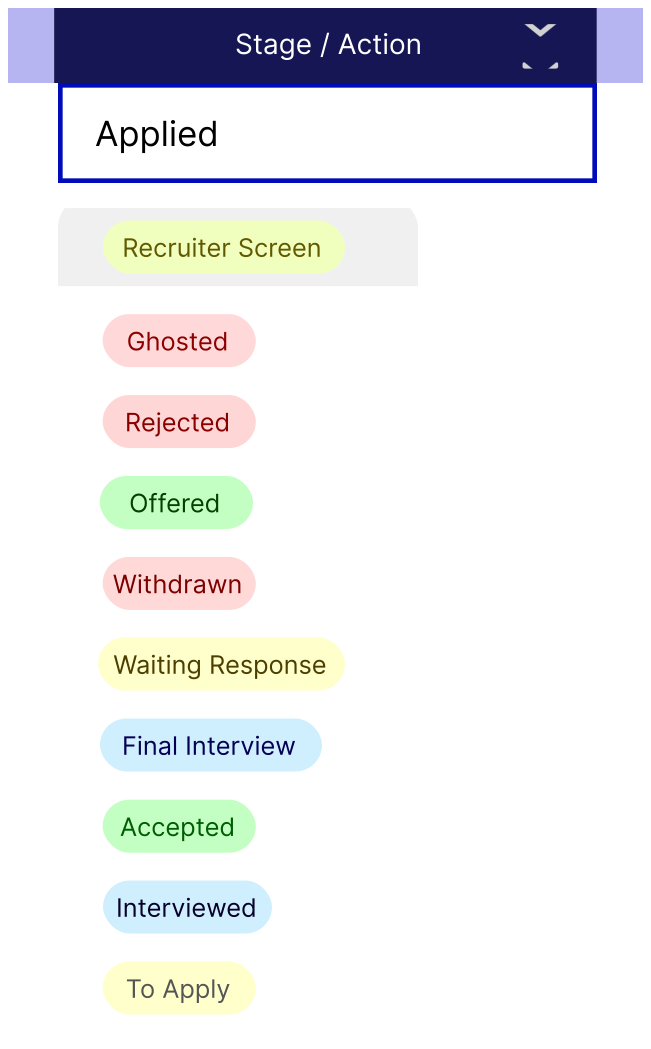
Application Status Management
Track every single stage of your job hunt from initial discovery to the final signed offer, ensuring nothing falls through the cracks.
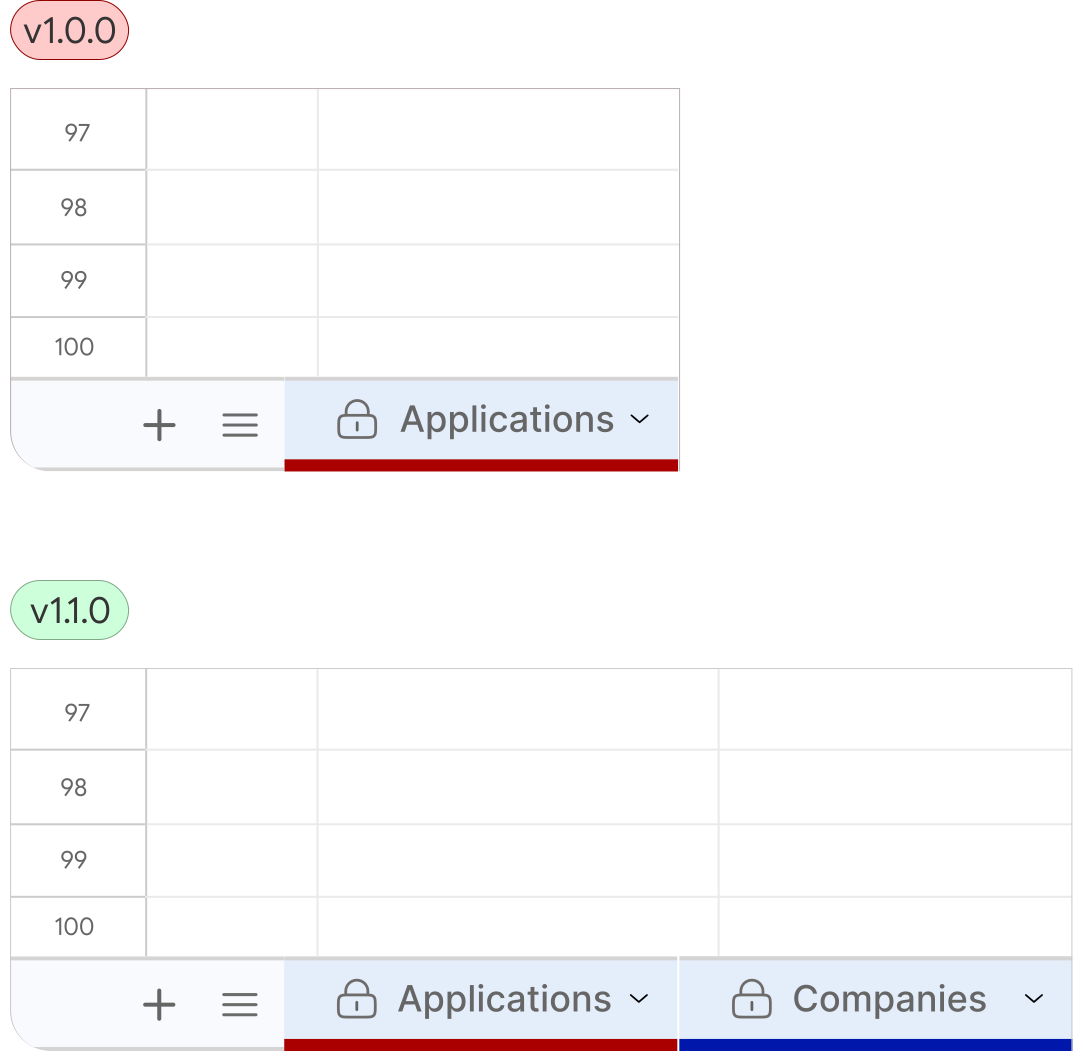
Free Future Updates
Receive ongoing improvements, new features, and enhancements to help you stay productive as your job search evolves.
Google OAuth Permissions and Data Access
The Job Application Tracker acts as a local productivity tool inside your Google Workspace ecosystem. To provide seamless functionality such as syncing interviews to your calendar and updating your dashboard, the application requires specific permission to access your data.
We do not store, track, or transmit your personal information or spreadsheet contents to any external servers.
Here is a transparent breakdown of exactly why each permission is requested and how it is used:
Google Sheets
The application uses this scope manage the information you enter into your Job
Application Tracker. This includes creating, reading, updating, and deleting
records such as job applications, companies, contacts, interview details, and
application statuses.
The application also generates supporting information, such as job IDs and
timestamps, and can clear application data when you choose to reset the tracker.
Google Calendar
If you enable calendar synchronization, the application creates and manages interview events in a dedicated JAT Google Calendar. This helps you keep interviews, follow-ups, and other job-related events synchronized with your Google Calendar.
Google ScriptApp
The application uses Google Apps Script to automate routine tasks. This includes creating an onOpen trigger to initialize the spreadsheet interface whenever you open it and an hourly trigger to keep your Google Calendar synchronized automatically when calendar sync is enabled.
Google Sheets UI
The application customizes the Google Sheets interface by adding menus and dialogs. These components provide access to application features, confirmation prompts for actions such as resetting data, and informational pages including the About dialog, End User License Agreement (EULA), and other help content.
External Service Request
The application makes an external request to a web app managed by
Eigen Digital with the user's email address only. This service validates
the user's license before enabling the add-on feature menus.
The verification service returns only the verification result (for example,
whether the license is valid) and does not access or modify the user's data.
Frequently Asked Questions
What do I need to use this template?
You need a Google account and access to Google Sheets. No additional software is required.
Does this work with Microsoft Excel?
No, this template is built exclusively for Google Sheets. It leverages specific Google ecosystem features and automation scripts that will not function in Excel.
Is this a Google Sheets template or a standalone app?
This product is a Google Sheets template enhanced with Google Apps Script. It run directly within your Google account.
Can I track multiple job applications?
Yes. The template is designed to manage multiple applications, interviews, follow-ups, and offers simultaneously.
Do I need advanced spreadsheet skills?
No. The template is designed with a little knowledge about Google Sheets and includes instructions to help you get started quickly.
Can I customize the template?
Yes, you can modify fields, statuses, categories, and other parts of the spreadsheet to fit your worflow.
Does Google Calendar integration require additional setup?
You may need to grant permission for the template to create and manage interview events in your Google Calendar.
Is my data shared with anyone?
No. Your job search information remains in your own Google account is not shared with the template creator.
Does the template work on mobile devices?
Yes. You can view and update your job applications using the Google Sheets mobile app. Some automation and setup features may work best on desktop.
What is your refund policy?
Due to the digital nature of this product, all sales are final. Howerver, if you run into any technical issue or formatting issues, please reach out to our support email and will help you get it sorted out.
Will I receive future updates?
Yes. Your purchase includes access to bug fixed, performance improvements, and minor feature enhancements released for your ersion of the template.
Major upgrades that significantly redesign the template, introduce a new architecture, or constitue a substantially new products may be released as separate versions and may require an additional purchase.
Whereever possible, existing customer will be notified about important updates and upgrade options.
Need a Support?
Need Poduct Support?
Reach out for support with setup, feature guidance, updates, or troubleshooting.
Get SupportRequest a Feature?
Have an idea that could make this template even better?
We'd love to hear it.
Having an issue?
Encountered a bug or unexpected issue? Let us know what happened, and we'll investigate it as quickly as possible.
Report Issue